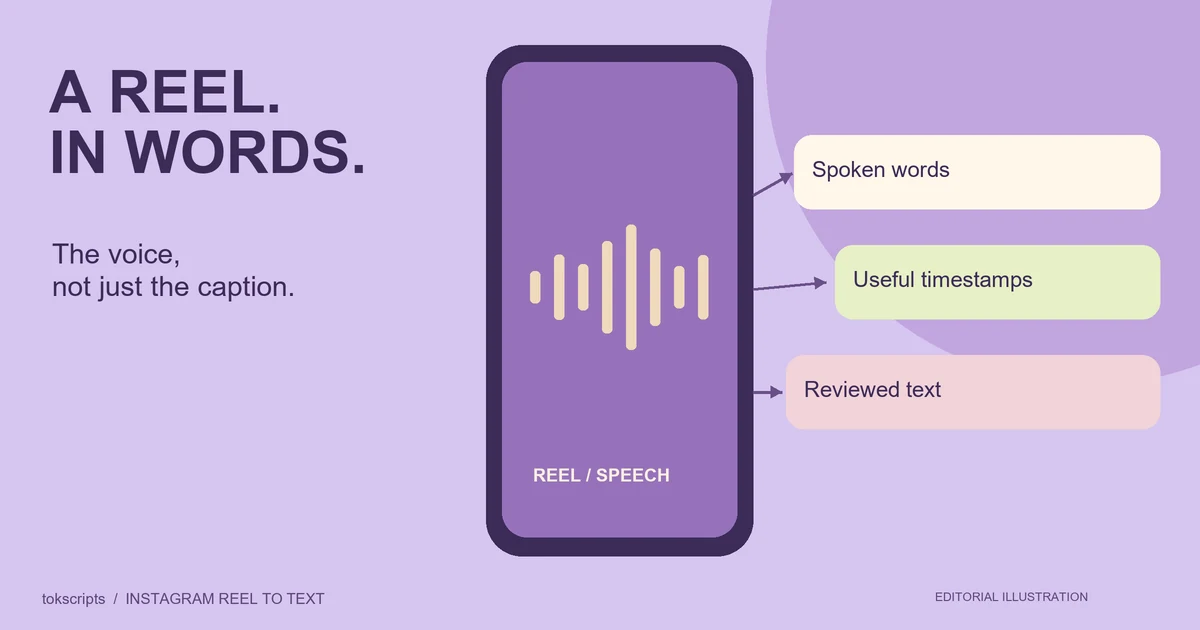
To turn an Instagram Reel into text, copy its video link and paste it into an Instagram transcript generator. Review the returned spoken words, keep useful timestamps, and copy or download the result. An accessible video with usable speech or a text track is needed; a profile link, a post description or a silent image is not the same source.
An Instagram transcript is useful for reading a message as a whole, locating a quote or repurposing your own ideas. Start by deciding whether you need the voice, the written post caption or something shown on screen. Those sources can tell different stories.
Key takeaways
- A Reel transcript captures spoken words; the written caption and visual overlays are separate information.
- Use an individual Reel or video-post link, rather than a profile, Story or image-only post.
- Keep exact words separate from research notes and rewritten scripts.
- Missing audio, access restrictions and unavailable text tracks can prevent transcription.
What does an Instagram transcript contain?
A speech transcript contains words spoken in the video, with timestamps when available. It is different from the creator's written post description and from text embedded in the video image. Establish that distinction before quoting a line or asking a tool to summarize the Reel.
| Source | What it can show | What it does not establish |
|---|---|---|
| Spoken transcript | The opening, explanation and spoken call to action | Everything displayed on screen |
| Written post caption | Context, links and the written call to action below the video | That those words were spoken |
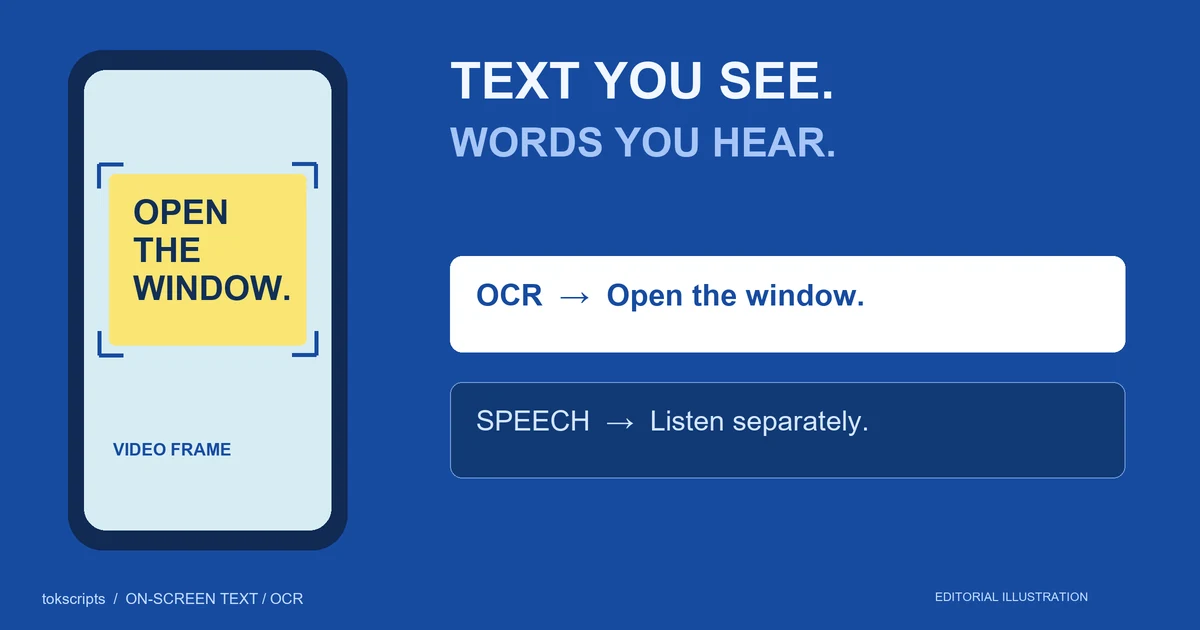
| Visual observations | A label, action, chart or on-screen question | Dialogue that was not audible |
For example, a Reel may display a price on screen while the speaker says “this option is cheaper.” The transcript does not supply the number. Add a separately labeled visual note if the price is important, and keep the frame or timestamp that supports it.
How to convert an Instagram Reel to text
The Instagram transcript generator processes one accessible Reel or video-post link at a time. The current tokscripts workflow supports Instagram videos up to 10 minutes, subject to source access and media limits.
- Copy the video link. Open the Reel or video post and copy its link from the available sharing options. The controls can differ between Instagram clients.
- Paste it into the tool. Use a specific Reel or video-post URL. Sign in to process the video and save the result.
- Wait for text extraction. The service checks for a usable platform transcript first. If that is unavailable, it tries speech recognition from an accessible recording.
- Review the words. Compare the opening, names, quantities and important claims with the video before using them as exact quotations.
- Copy or download the result. Use plain text for reading, timestamped text for reference, and TXT, Markdown or JSON for the next tool.
Completed results are saved to your account history. Free accounts receive five successful transcriptions per UTC day across supported sources. Failed jobs and reopening a saved result do not consume another free slot. Creator adds writing and translation tools; check the plan details for current terms.
The dated platform processing reference documents the current link types, limits and text-first fallback. These are product implementation details, not a guarantee about every Instagram video.
Which Instagram links can I use?
Use an individual Reel or video post. The current link validator accepts the specific video paths shown by the tool, including /reel/ and /p/. A post URL can also refer to an image, so passing URL validation does not prove there is audio to transcribe.
Profiles, Stories and bulk profile imports are outside this single-video workflow. Private videos and source-platform sign-in restrictions may stop retrieval even when you can view a video in your own browser. Your browser session and the processing service do not necessarily have the same access.
For your own content, an original recording is another route. Open Video to Text, check the current file-size limit, and upload the permitted recording. It avoids depending on an Instagram share page, but it does not repair a missing or muted audio track.
Why is a Reel transcript missing or taking longer?
An available platform text track can avoid downloading the video and recognizing the speech again. Without that track, the tool needs accessible audio and additional processing. Length, network conditions and provider availability affect completion time; there is no guaranteed number of seconds for every Reel.
| Situation | What it means | Useful next step |
|---|---|---|
| No usable text track | Platform text cannot provide the transcript | Let the recording fallback run if audio is accessible |
| Source requires sign-in | The service cannot retrieve the same content your browser can see | For your own content, use the original recording |
| Muted or music-only clip | There may be no intelligible speech to transcribe | Check whether the useful information is visual instead |
| Text looks wrong | Recognition or source captions may contain errors | Replay the passage and correct it before quoting |
Repeatedly submitting a restricted source will not create speech or grant access. Check the source first, then choose a different input route when you have one.
Review the Reel transcript as evidence
Check a transcript in two passes. First, replay the opening and every line containing a name, number, comparison or negative statement. Second, compare the proposed research note or excerpt with the words you actually verified.
This original illustrative script shows why the second pass matters. It is not copied from a creator or presented as a live transcription test.
00:00:00
Before buying another desk organizer, try moving just one thing.

00:00:05
Put the notebook you use every morning next to your keyboard.

00:00:11
Leave the rest where it is for a week and see whether that change helps.
A supported note would be: “The speaker suggests testing one notebook placement before another purchase.” An unsupported claim would be: “This method doubles productivity.” The transcript supplies a suggestion and a test period; it supplies no productivity measurement.
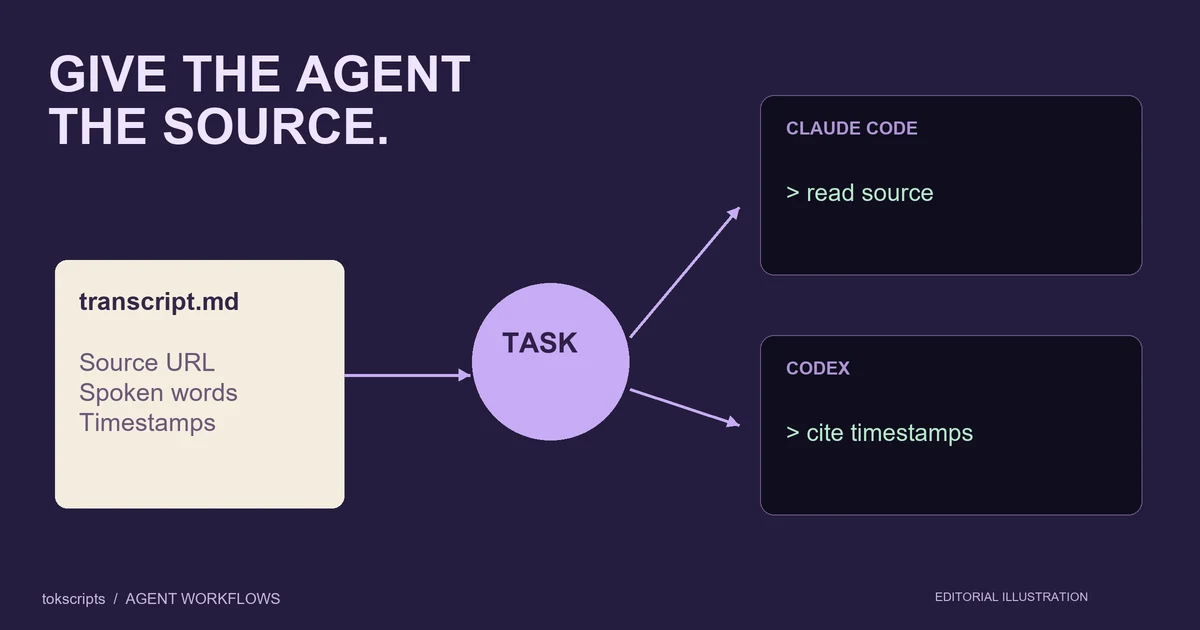
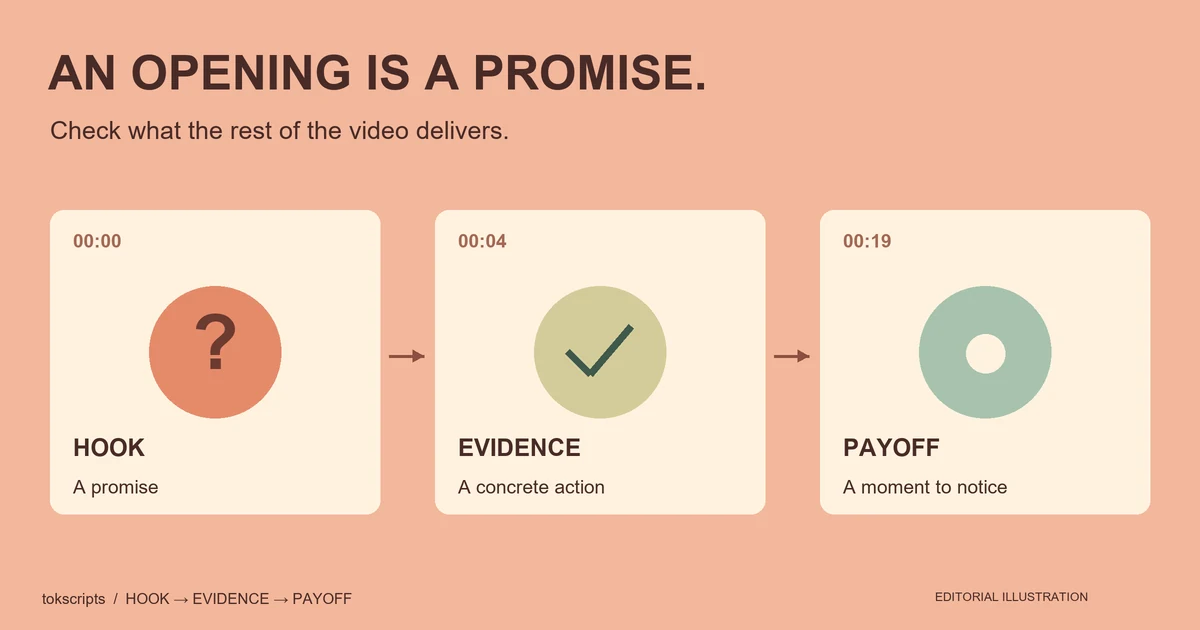
Keep the quotation, interpretation and any visual observation in separate fields. This helps a teammate or AI assistant use the source without mistaking your interpretation for something the creator said. The short-video hook analysis guide provides a fuller promise-and-payoff worksheet.
Choose an export for the next task
Use TXT for a brief, notes or direct copy-paste. Use Markdown to carry readable source context into a writing or coding workspace. Use JSON when your own automation needs structured data. The result page shows the available exports for that transcript.
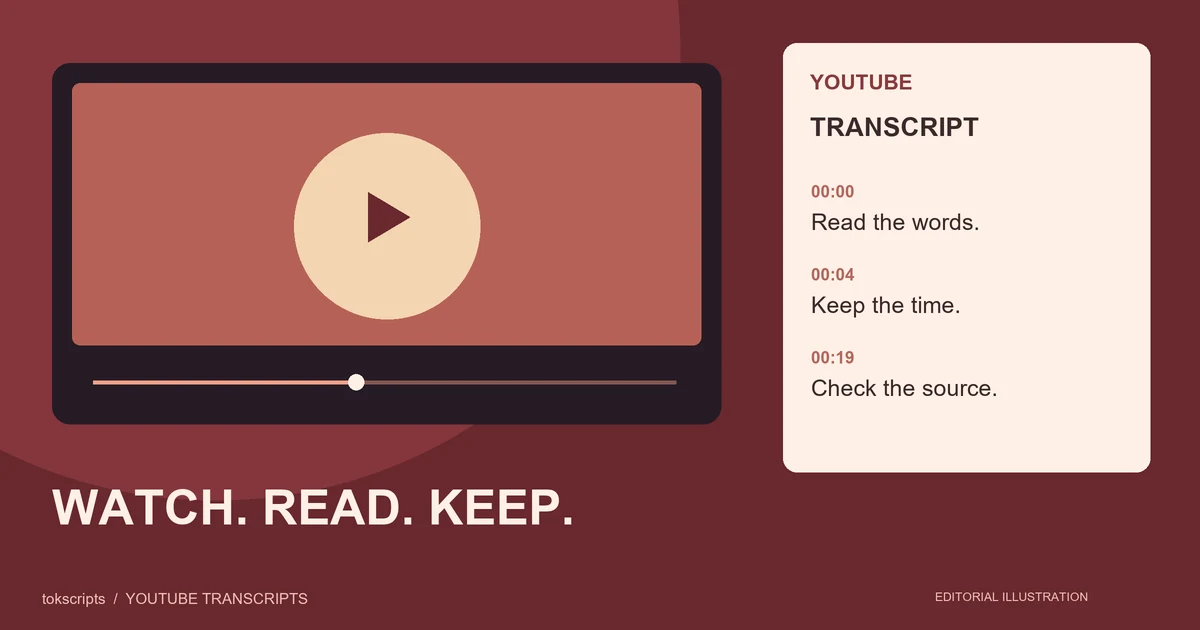
The result panel exports the selected plain or timestamped text view for TXT. This representative timestamped specimen uses the original teaching script above; it is not a live Instagram result:
00:00:00
Before buying another desk organizer, try moving just one thing.

00:00:05
Put the notebook you use every morning next to your keyboard.
For JSON, raw-text results carry title, source, duration, plainText and timestampedText. Segmented-only results use a segments array instead. See the export reference before designing an integration around those fields.
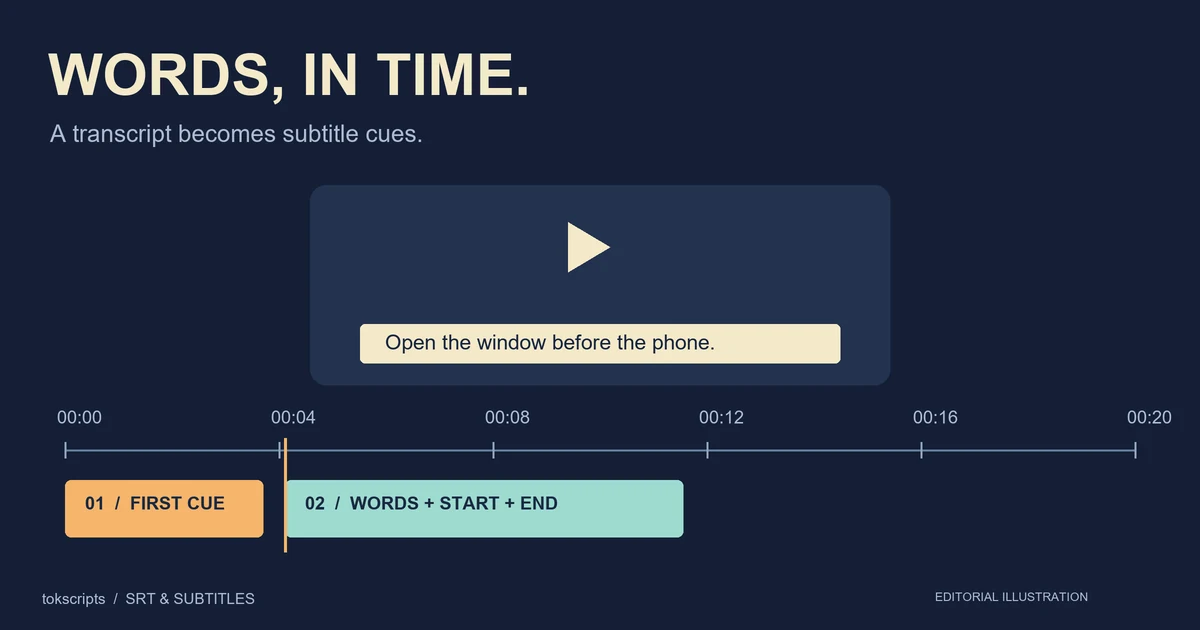
If your goal is on-screen subtitles, keep another distinction in view: readable timestamps are not a completed caption edit. An SRT file uses numbered cues with start and end times, as documented by the Library of Congress. Cue boundaries, line breaks and synchronization still need review. The subtitle editor handles existing SRT files separately from the plain-text workflow.
For a new script based on your own Reel, preserve the original transcript and write the new version separately. Supply your intended audience, a factual example and the action you want viewers to take. Reusing a communication pattern is different from copying another creator's distinctive lines or treating a paraphrase as an exact quote.
Common Instagram transcript questions
Can I extract the written caption below a Reel?
The transcript workflow described here focuses on speech. The written description is a separate source. Do not substitute it for spoken words when researching what the video says.
Does the tool read text burned into the video?
This workflow does not promise OCR extraction of visual overlays. If a product label or on-screen question matters, record it separately and identify the supporting frame or time.
Can I turn a silent Reel into a transcript?
A silent clip has no speech to transcribe. You may still be able to describe a visible demonstration or extract text from permitted frames using a separate visual workflow. Label those observations as visual information.
Can I summarize or translate the transcript?
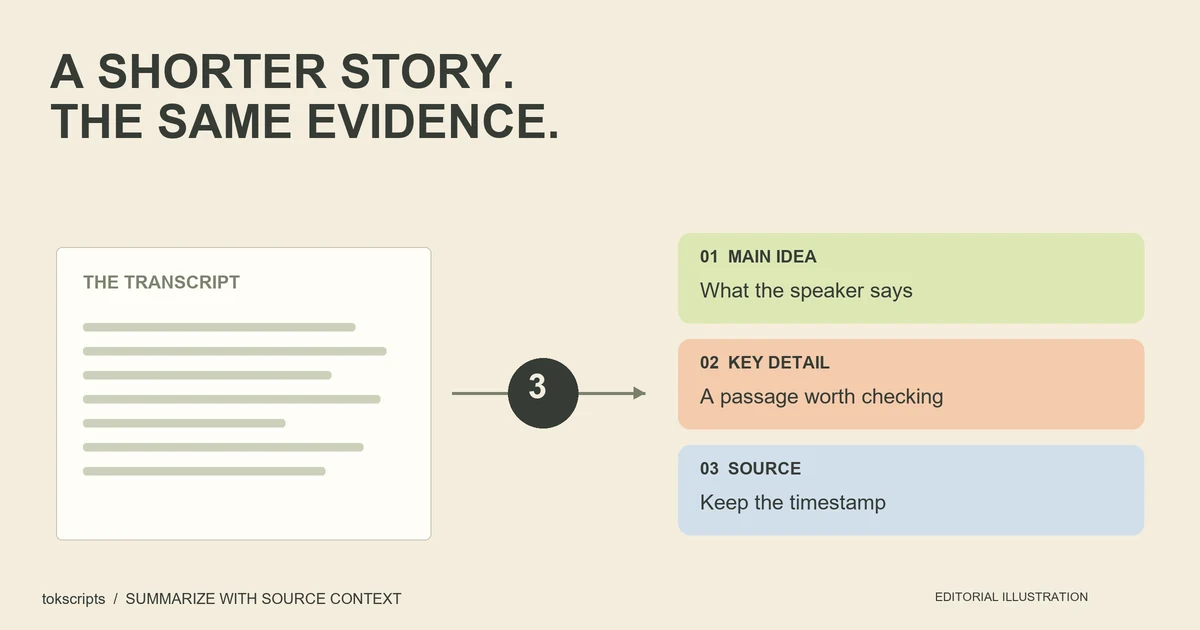
Yes, a reviewed transcript can be used as source material for notes, a summary or a translation. Check the new output against the original meaning. Creator provides translation options in the result panel, with its own provider and request limits.
Start with one accessible Reel
Open the Instagram transcript generator, paste a specific video link, and review the result before reusing it. Keep the source URL and a timestamped copy if you may need to verify a passage later. For tutorials and interviews on another platform, follow the YouTube transcript guide.
Written by tokscripts editorial, the product team responsible for these guides, product-workflow checks and corrections. No independent expert review or named professional credentials are claimed. Product steps and limits were checked against the local implementation on October 22, 2026. The example is original teaching material, not evidence of a live Instagram or AI benchmark. Read the editorial policy for our source and example standards.