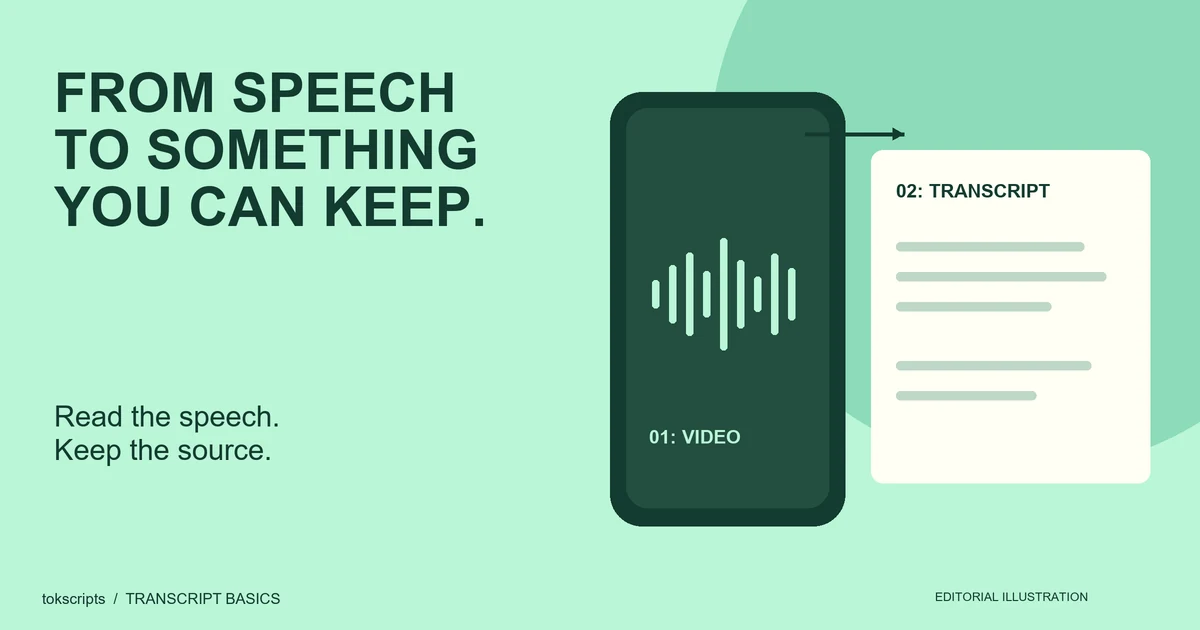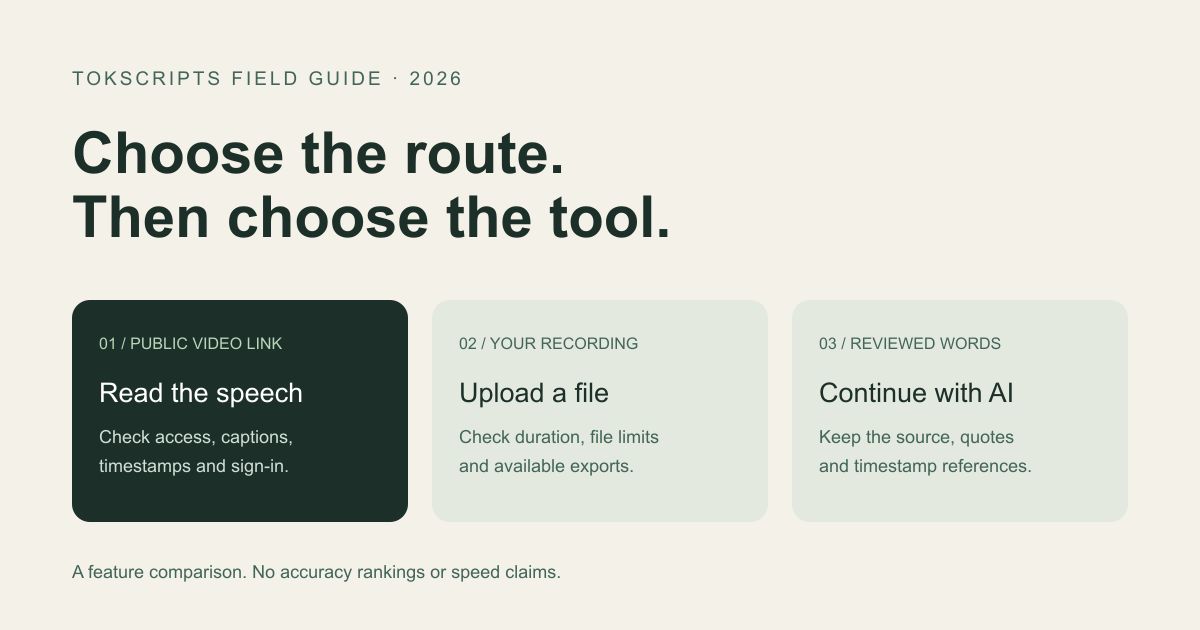
The best TikTok transcript tool depends on what you need to keep: the spoken words, a subtitle file, a saved research record, or text for an AI workflow. For a public video link, compare tokscripts and Revid. For a recording you can upload, consider a file transcription service such as TurboScribe.
This 2026 comparison explains those routes using published product information. It does not rank transcription accuracy or processing speed.
Disclosure and method: We build tokscripts. We checked the linked Revid and TurboScribe official pages on October 24, 2026 and reviewed our own product's public workflow and export implementation. We did not submit a shared set of videos to all three services. Competitor features below are vendor descriptions, not independently verified processing results. Plans and availability can change.
TikTok transcript tools: a quick comparison
Start with your input and your required output. A tool that accepts a recording is useful even if it does not offer the same TikTok URL workflow. Likewise, readable timestamp references do not establish that a transcript is ready to use as subtitles.
| Tool | Input route | Free access | Output and main consideration |
|---|---|---|---|
| tokscripts | Supported public TikTok link; recording upload also available | Sign-in; five transcription jobs per account per UTC day | Plain and timestamped text; TXT, Markdown and JSON. Review source access and the returned text. Raw timestamps are not automatically aligned SRT. |
| Revid | Public TikTok link | Official page advertises free use without signup | Advertises timestamps, TXT and SRT. Its no-caption audio fallback is described as limited to two-minute videos. |
| TurboScribe | Audio or video file upload | Official free plan lists three files daily, up to 30 minutes each; account signup | Lists document, text and subtitle exports. Compare the upload route separately from a direct TikTok-link workflow. |
The table deliberately leaves out unsupported accuracy percentages, inferred unlimited allowances, and a universal winner. If a feature is essential, check its current official page and try a permitted sample before committing your work.
Which route fits your task?
Choose tokscripts for a saved transcript and an AI handoff
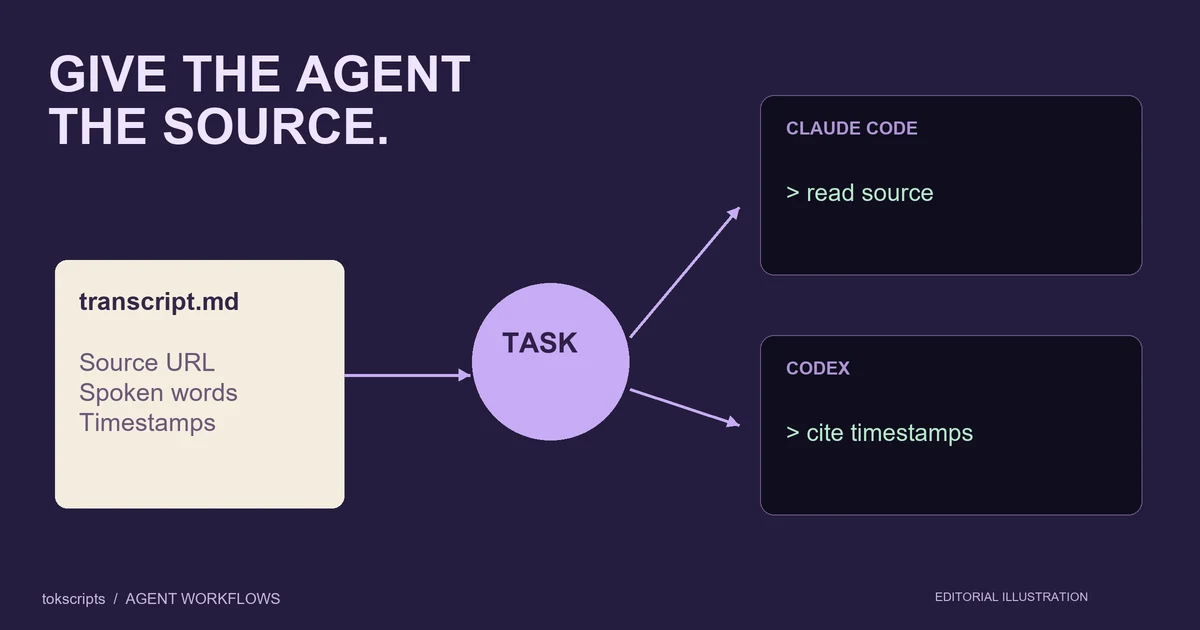
tokscripts combines a link-based transcript workspace with review, account history and text exports. You can keep the words as TXT, carry source context and timestamp references into Markdown, or use the available JSON structure in your own workflow. It is a practical fit when the transcript is the start of research, notes or a new draft.
Start with a supported public video, sign in, review names and numbers, then export. Five daily transcription jobs are shared across supported sources, rather than a separate allowance for every platform. Processing depends on source access and connected services. Creator writing features are separate from the free transcription allowance.
For an agent workflow, read the Markdown handoff guide and personal MCP overview. MCP needs a compatible client and account credentials; downloading Markdown is an alternative that does not require a live connection.
Consider Revid when avoiding signup is your priority
Revid's official TikTok tool describes a no-signup link workflow with timestamps and TXT/SRT downloads. It says it reads existing captions and can use audio transcription for short captionless videos, with a stated two-minute fallback limit. Check that boundary if your source lacks captions. These are Revid's published claims; we have not compared its output quality with tokscripts.
Consider TurboScribe when you already have a recording
TurboScribe presents an audio and video upload workflow. Its official free plan lists three daily files of up to 30 minutes each and offers account signup. Its export list includes TXT, DOCX, PDF, SRT and VTT. This makes it an option to evaluate for a recording you are permitted to upload; this guide does not establish TikTok-link compatibility or compare recognition quality.
What should you check in the result?
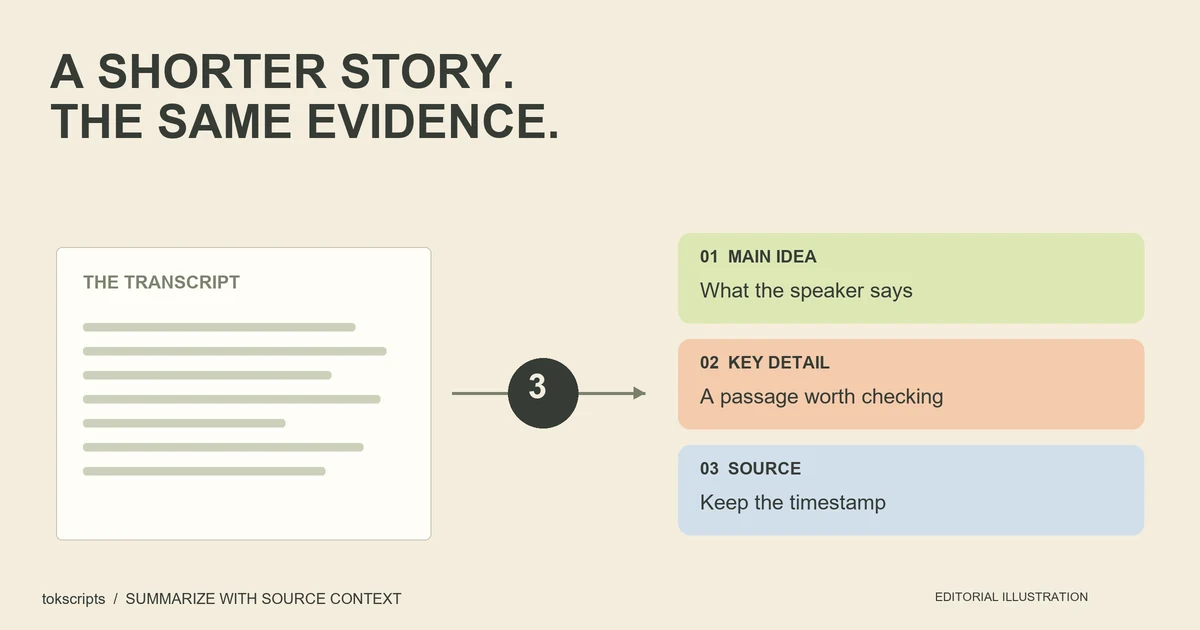
A plausible paragraph can still contain a wrong name, a missing “not,” or a misleading timestamp. Check the passages you plan to quote against the recording. Keep editorial interpretation separate from the speaker's words.
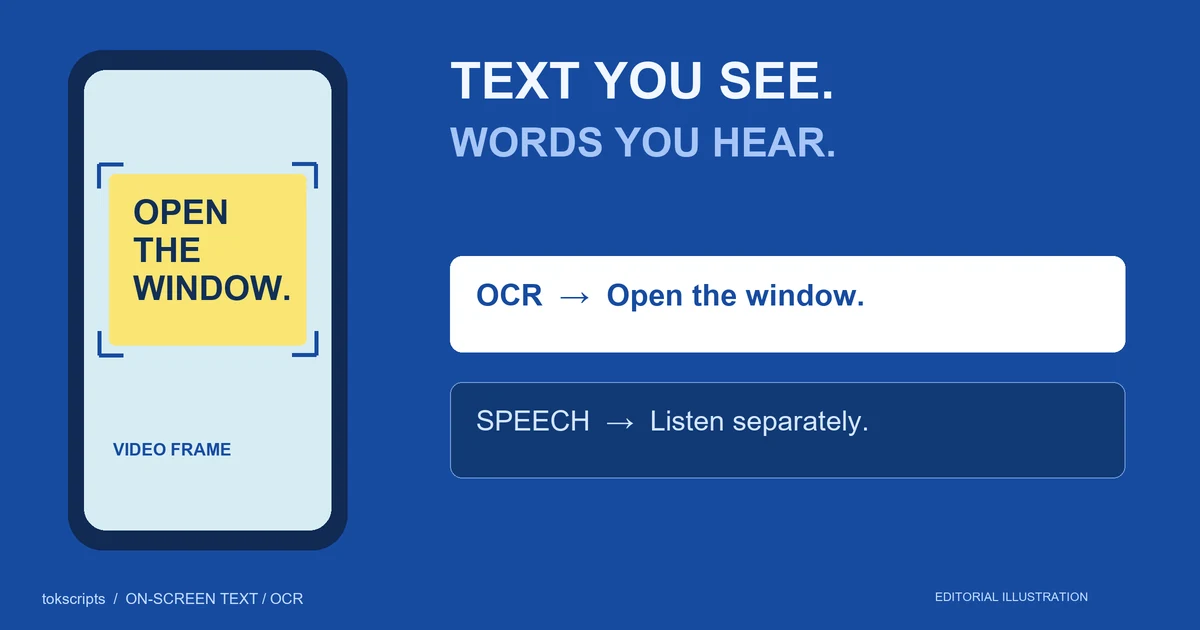
- Speech or visible text? A spoken transcript does not necessarily include a price or title shown only on screen. Use a separate on-screen text workflow for that information.
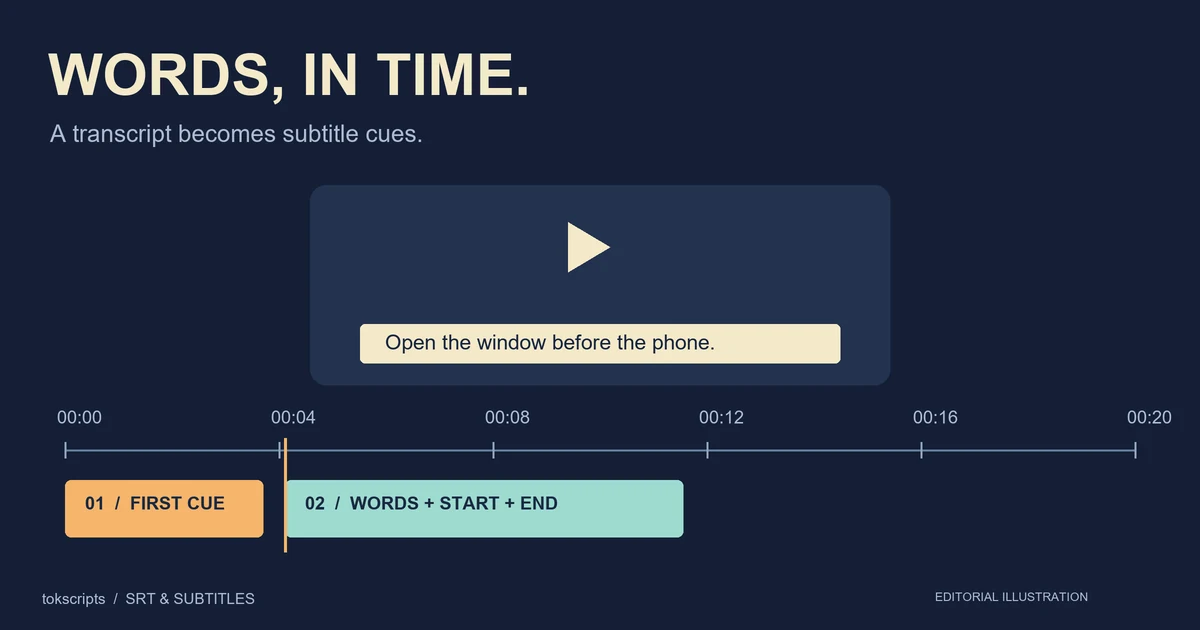
- Reading or subtitles? TXT is enough for notes. SRT needs a start and end time for each cue. Read the SRT guide before treating approximate timestamps as finished captions.
- One result or a reusable record? Keep the source, your corrections and the exported file together if you need to revisit a quote later.
- Access failure or recognition error? A private or inaccessible source is a different problem from incorrect words in a successfully processed recording.
Inspect an export before choosing
You can inspect our TXT example, Markdown example, and JSON example. They are generated by the product's export functions from the site's original demonstration segments. They show file structure, not a real TikTok processing result or a transcription accuracy test.
Use the sample workspace to explore the editor, then use your own permitted source to evaluate the real workflow. The TikTok transcript guide explains what to inspect in each sample file.
Common questions when comparing tools
What is the best free TikTok transcript generator?
There is no single best choice for every task. If signup is the deciding factor, check a tool that explicitly supports anonymous use. If you want saved history and Markdown or JSON exports, evaluate tokscripts. If you already have a recording, compare file-upload tools. Test the output on a video that resembles your actual work.
Can a tool transcribe a video without captions?
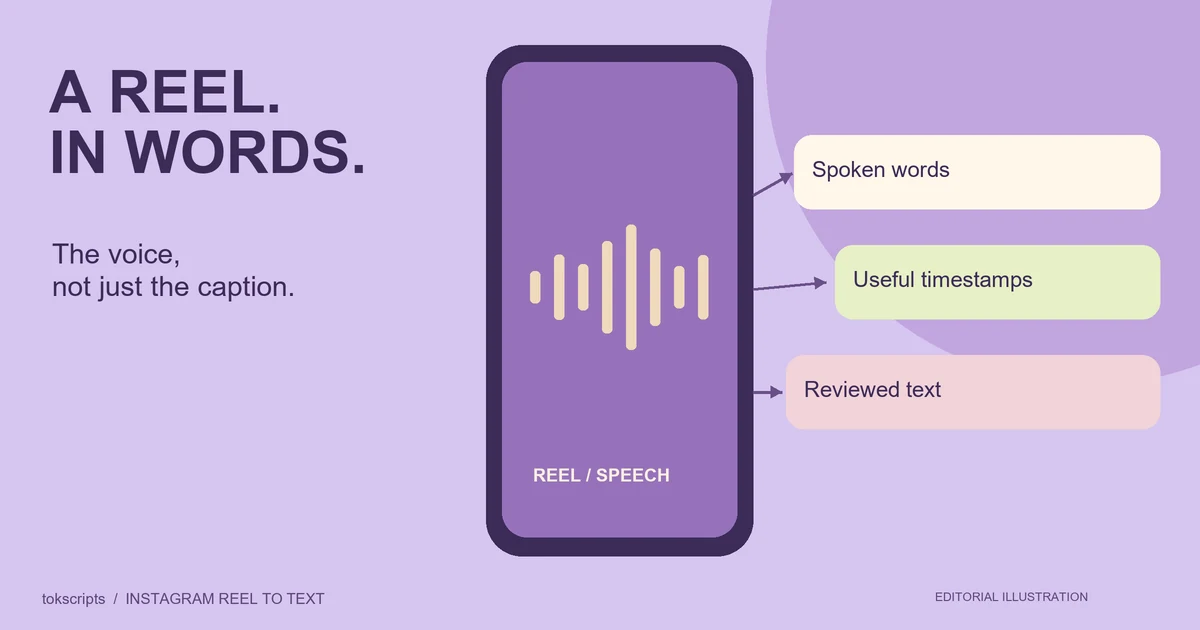
A caption reader needs an existing text track. Speech recognition can create text from accessible audio, but support, duration limits and source access vary. A video without speech still has no spoken transcript to extract.
Does a timestamped transcript give me SRT subtitles?
Not necessarily. A reference such as “00:12” helps locate a passage. An SRT cue needs both its start and end time, as well as text. Check the exported file and its timing in your intended editor rather than assuming the labels mean the same thing.
Sources and updates
- Revid: TikTok Transcript Generator — published input, signup, export and caption-fallback descriptions.
- TurboScribe: product and free-plan information — published upload limits and export formats.
- tokscripts plans, workflow and editorial policy — our product boundaries and review approach.
We update this guide when the underlying features change. The year identifies this edition; it does not imply a continuing benchmark or independent endorsement of tokscripts.